BigIP Report Old


 Cirrocumulus
Nate,
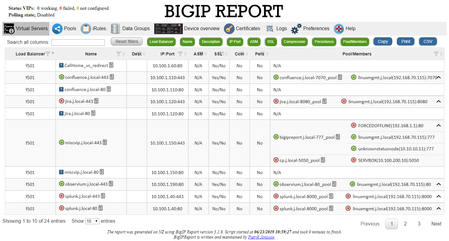
It looks like you already have IIS installed. If you have the default configuration, you should be able to hit and get the BigIPReport page.
I use Chrome with local file support enabled for development. That works except for the "update check" as there is no datestamp emulated on file requests. To do this, I create a link to Chrome on the desktop and edit the link to include the file option. ie:
"C:\Program Files (x86)\Google\Chrome\Application\chrome.exe" --allow-file-access-from-filesThen close all Chrome instances and apps, and launch again from that icon.
I do not recommend the file-access option for production. File access is normally disabled in Chrome so that remote web sites can not run scripts that access local files. Using a local web server running on is the recommended way to go.
Help guide the future of your DevCentral Community!
What tools do you use to collaborate? (1min - anonymous)