Forum Discussion

sbobic_232506 Nimbostratus
Dec 15, 2015NimbostratusApplying iRule to ASM policy - file upload form protection
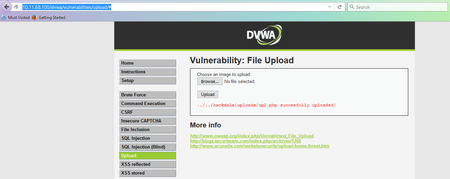
So, I have found the following iRule which should block the upload of PHP files in file upload forms:
when HTTP_REQUEST {
if { [HTTP::header exists "Content-Disposition"] } {
...

Erik_Novak Employee
Dec 15, 2015EmployeeFirst, go to Local Traffic >> Virtual Server List and click the VS that you would like to apply the iRule to. Then go the Resources tab of that VS, and add your iRule to the Enabled panel. That will add the iRule as a resource to the VS. The next step is to enable iRule processing on the application security policy. Go to the Properties page of your security policy, and select the Advanced menu option. This will reveal the "Trigger ASM iRule Events" option toward the bottom of the screen. Enable the option, click Save and then Apply Policy.



Recent Discussions
Related Content
DevCentral Quicklinks
* Getting Started on DevCentral
* Community Guidelines
* Community Terms of Use / EULA
* Community Ranking Explained
* Community Resources
* Contact the DevCentral Team
* Update MFA on account.f5.com
Discover DevCentral Connects